Regime
A Hurst exponent estimated by detrended fluctuation analysis tells the engine whether the pair is trending or mean-reverting right now. Every stage after this one is conditioned on that answer.
Every published signal is the output of the same fixed pipeline, run in the same order: regime, volatility, metrology, sub-models, probability, awareness, pair tier, trade parameters, risk managers, trade management. Ten stages. Six of them are named below, each with the method it actually uses. Nothing reaches you until the whole pipeline has run, and a setup whose signal-to-noise ratio is too low is suppressed rather than published with a caveat. One caveat we will state ourselves: stage four currently runs half of its planned sub-models, and the rest are still being built.
A Hurst exponent estimated by detrended fluctuation analysis tells the engine whether the pair is trending or mean-reverting right now. Every stage after this one is conditioned on that answer.
An EGARCH(1,1) with Student-t innovations is combined with realised volatility and a HAR-RV forecast. The ensemble decides how much room the trade has to breathe before anything is placed on the chart.
A metrology stage measures how much of the recent move is signal and how much is noise. When the ratio is too low the signal is suppressed outright - you do not see a weak setup dressed up as a cautious one.
Raw model scores are put through Platt scaling so the number behaves like a probability rather than a score. A 60 is meant to mean 60, which also means you can hold it to account in your own journal.
The entry zone, the stop-loss and both take-profits are derived from current ATR, not from fixed pip distances. The same setup is therefore given different levels in a quiet week and a violent one.
The calibrated probability and the distance to each level are combined into an expected value for the trade exactly as specified. It is printed so you can decline a trade the engine was willing to publish.
A direction and a calibrated probability, an ATR-scaled entry zone, a stop-loss, a first and second take-profit, and the expected value of the trade at those levels - plus the lot size that fits your balance and your risk setting. The same numbers appear on the chart, in the signal list and in the alerts you receive.
Inside the platform
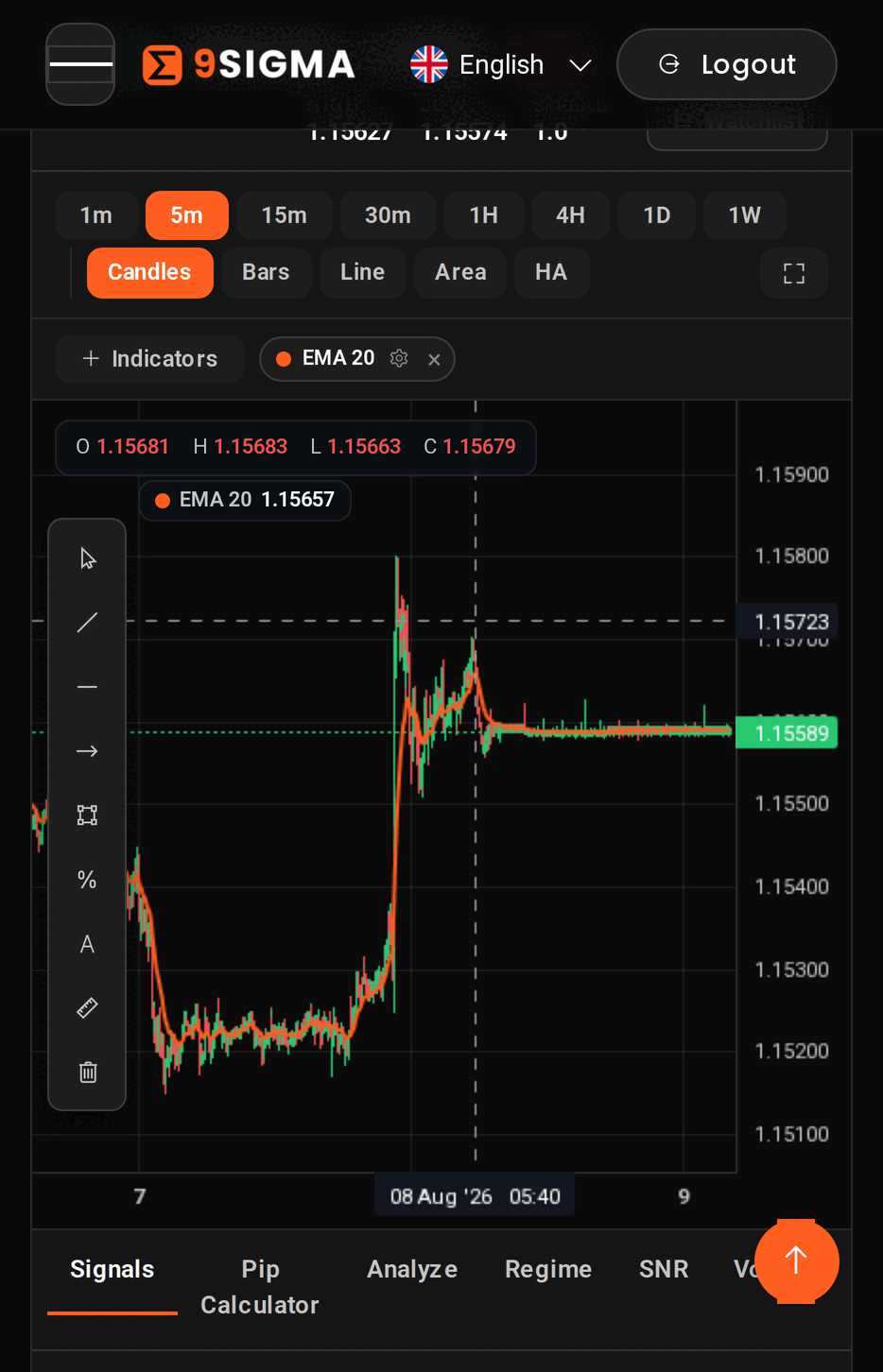
36 forex pairs, 8 timeframes from one minute to one week, and 5 chart types including a real Heikin-Ashi transform. Seven indicators - SMA, EMA, Bollinger Bands, RSI, MACD, ATR and Stochastic - each with parameters you can edit from its own gear popover, and four of them on dedicated sub-panes. Seven drawing tools plus a select cursor and a clear-all button. Beside the chart sits a ten-tab analysis panel: the published signal list, a pip calculator you drive yourself, and eight readouts from the engine covering analysis, regime, signal-to-noise, volatility, probability, awareness, risk and sizing, and correlation.
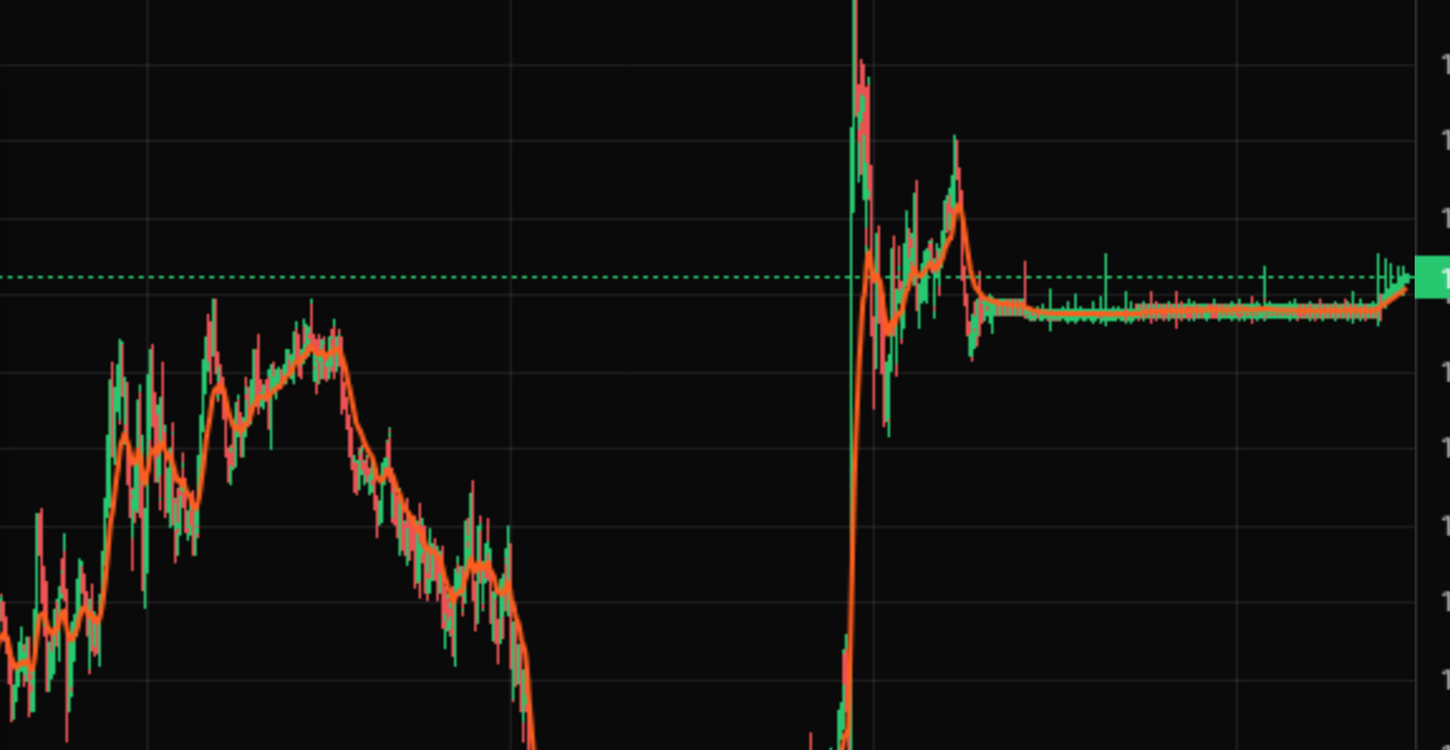
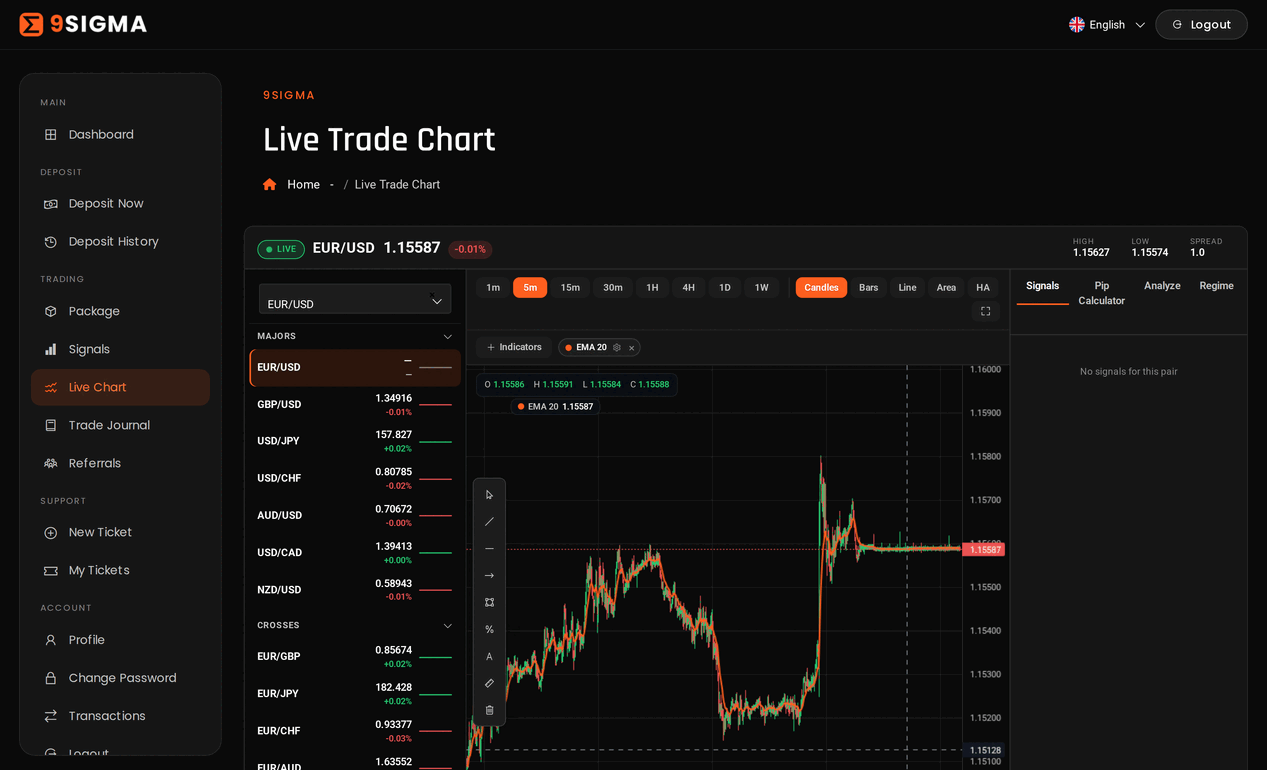
Hurst and DFA for regime, EGARCH with realised and HAR-RV volatility, Platt scaling for probability, ATR for levels. You can judge the approach on its merits instead of trusting a screenshot.
Open the terminalA published signal moves through ten tracked states. Price is evaluated on our side, so the state advances whether or not the terminal is open in your browser. The first five cards below are the common path; the states not shown cover expiry, cancellation and invalidation, and a signal that reaches the second take-profit or the stop ends there.
The signal is published and waiting. Price has not reached the entry zone, nothing is committed, and you can read the levels and the expected value before anything happens.
The setup is live and being watched tick by tick. Active sits between publication and the fill - there is no jump straight from pending to triggered.
Price has entered the zone and the trade is treated as filled. From here the stop and both take-profits are monitored on every update, and your thresholds become live.
The first take-profit fills. Half the position is booked and the stop moves to breakeven, so the remainder runs with the original risk already taken off the table.
The stop follows the remaining half until it is taken out. Trailed is a close, not a pause: with the second take-profit, the stop, expiry, cancellation and invalidation, it is one of the ways a trade ends.
Not a state but the result of one. On the terminal transition a journal row is stamped with the fill time, the TP1 time, the close price, the close reason and realised pips, with the half booked at TP1 accounted for correctly.
Near Entry fires when price comes within your threshold of the entry zone, 15 pips by default. TP Progress fires when the trade is half way to the first take-profit. SL Progress fires when it is half way to the stop. Each alert is guarded by a timestamp column that is written before the notification is sent, so the same signal can never alert you twice on the same threshold. Alerts reach you in the app and by email.
You set an account balance and a risk percentage once. Both are stored on the server and clamped to sensible bounds - a balance between $10 and $10,000,000, risk between 0.1% and 5%. Four sizing methods are defined, and where more than one of them can be computed for a signal you are shown the smallest. The number is recomputed server-side every time, so editing it in the browser changes what is on your screen and nothing else.
Your risk percentage measured against the distance from the entry zone to the stop. This is the method that anchors the size on most signals.
A ceiling drawn from the margin the position would consume at your leverage. It constrains the size only when those account details are available to the engine.
A ceiling from a value-at-risk estimate on the pair, using the volatility the engine has already measured upstream. Also conditional on the account details being supplied.
A ceiling on how much of the account one pair or one correlated group may carry, informed by the live correlation matrix and the positions you already have open.
Sizing is not a recommendation to take the trade. It limits what a single loss can cost you; it does not make the loss less likely. Forex trading carries a substantial risk of loss, and no signal, probability or level published here is a promise of an outcome.
Forex pairs
Engine stages
Timeframes
Position-sizing methods
Trading forex carries risk of loss; everything shown here is analysis, not investment advice.
Register with an email address and choose a plan. Set your account balance and your risk percentage once - every signal is then sized against those two numbers rather than a generic account.
Open the terminal or the signal list. Each signal states the pair, the timeframe, a calibrated probability, an entry zone, a stop-loss and two take-profits. New signals and your threshold alerts also arrive by email.
Execution stays with you and your broker. If you take the trade, 9Sigma tracks it through its states, alerts you at your thresholds and writes a journal row with realised pips when it closes.
9Sigma is new and the group using it is small. These are notes from traders working with the platform while we build it out. No performance figures are attached to them, because no sample this size would justify one.
The part I use most is that the entry zone and the stop arrive together. I can decide in about a minute whether a trade fits my account, and when it does not I skip it without arguing with myself for an hour.

I came in without a real system. Reading the regime and volatility tabs before I look at the signal list has taught me more about why a setup is offered than anything else I have paid for.

I set the near-entry alert and left it alone. It emails me once, when price gets close, and then it stays quiet until something actually happens - which is more than I can say for the chat rooms I used to sit in.

Straight answers about the engine, the signals, and the things this platform deliberately does not do.
A forex analysis platform with a charting terminal and a quant engine behind it. The engine runs a fixed ten-stage pipeline over 36 pairs and publishes signals carrying a calibrated probability, an entry zone, a stop-loss and two take-profits. There are no human analysts here - the signals are the engine's output, and the method is described stage by stage on the home page.
Forex only. 36 pairs - 7 majors, 21 crosses and 8 exotics - across 8 timeframes from one minute to one week. No other asset class, and none is planned. The pair list lives in a single configuration file in the platform, so the universe you see is the entire universe.
In the app and by email. Signals appear in the terminal and in your signal list as soon as they are published, and email carries new signals along with your three threshold alerts. We do not send signals over Telegram or SMS.
You need enough experience to place a trade with your own broker and enough judgement to decide when not to. Every signal states its levels and its expected value, but 9Sigma does not execute anything for you: there is no copy trading and no auto-execution.
We do not publish one, and we would rather explain why than invent a figure. The engine has 22 completed signals on record. All of them are closed and none reached the second take-profit. That is far too small a sample to turn into a headline percentage - any number drawn from it would be noise wearing the costume of evidence. What we give you instead is your own record: the journal stamps every closed trade with the close reason and realised pips, including the half booked at the first take-profit, so you can measure the service on your trades rather than on our marketing.
Yes. Plans are managed from your dashboard and you can change or cancel at any time. There is no minimum term and no cancellation call to sit through.
Payments are processed by the payment gateway at checkout, and card details are entered on the gateway's side. Full card numbers are not stored on our servers.
Support is an asynchronous ticket system. You open a ticket from your account, we reply in the thread, and the history stays attached to your account so nothing has to be explained twice. There is no phone line and no round-the-clock rota - we would rather promise a real answer than an instant one.

Consistency beats intensity. Structuring your trading day around the sessions and the signals that are actually worth yo...
Read More
Your mindset matters as much as your method. Staying calm, patient and consistent through the swings that make good rule...
Read More
36 currency pairs and nothing else. The case for a narrow universe - comparable volatility regimes, cleaner statistics,...
Read More